TDM 10200: Project 8 - Writing Functions in Python
Project Objectives
Motivation: Functions are a very important part of programming. By writing your own functions, you can create efficient tools that can be reused whenever needed.
Context: Up to this point, we have mostly used functions that were already written for us. We will learn how to write them and begin writing some of our own.
Scope: Python, writing functions, and basic data cleaning
Make sure to read about, and use the template found on the template page, and the important information about project submissions on the submission page.
Dataset
-
/anvil/projects/tdm/data/spotify/taylor_swift_discography_updated.csv
-
/anvil/projects/tdm/data/youtube/most_subscribed_youtube_channels.csv
|
If AI is used in any cases, such as for debugging, research, etc., we now require that you submit a link to the entire chat history. For example, if you used ChatGPT, there is an “Share” option in the conversation sidebar. Click on “Create Link” and please add the shareable link as a part of your citation. The project template in the Examples Book now has a “Link to AI Chat History” section; please have this included in all your projects. If you did not use any AI tools, you may write “None”. We allow using AI for learning purposes; however, all submitted materials (code, comments, and explanations) must all be your own work and in your own words. No content or ideas should be directly applied or copy pasted to your projects. Please refer to GenAI page in the example book. Failing to follow these guidelines is considered as academic dishonesty. |
Taylor Swift Spotify
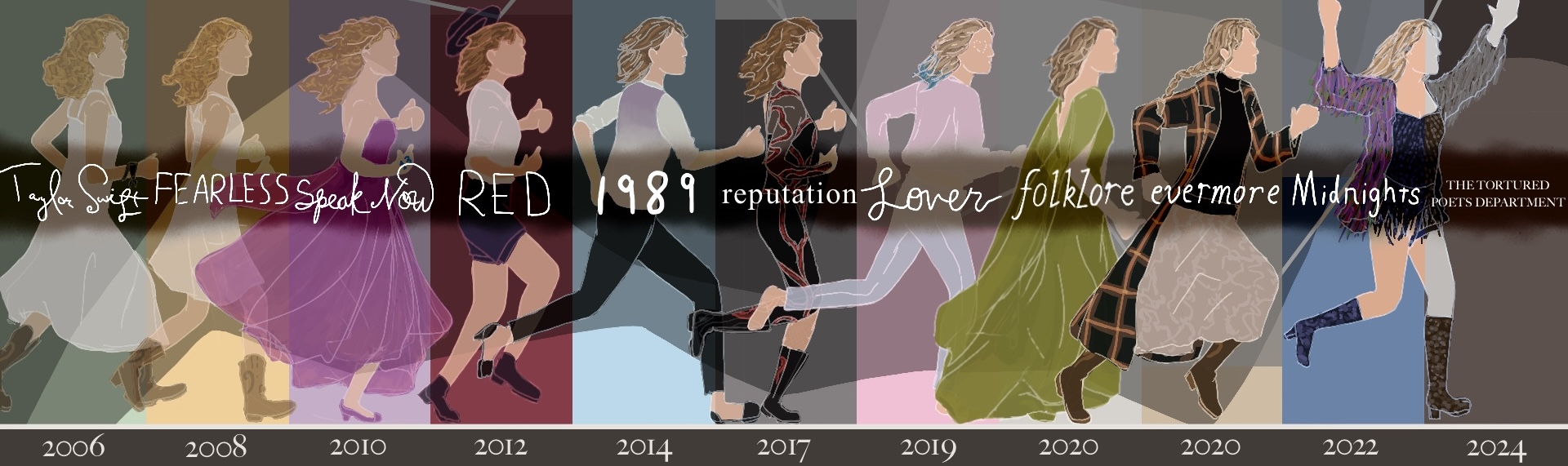
Taylor Swift has built a massive universe of storylines and lyrics since 2006, spreading across her 12 original studio albums and worldwide fanbase. Earning over $2 billion in revenue from the Eras Tour alone, there is a lot of data to be collected from Taylor Swift. Her second most recent album, "The Tortured Poets Department: The Anthology", with 31 tracks, was included in the most recent addition of this dataset. This is a huge album, but she has written hundreds of songs. Compiling data from Spotify about this one artist alone allows for an interesting dataset to work with.
Some of these columns may seem strange, such as danceability, energy, liveness, speechiness, etc. These are some unique ways that Spotify tracks factors of songs, and allows for comparison of these traits across songs and artists.
There are 28 columns and 577 rows in this dataset. Some of these columns include:
-
track_name: name of the track, -
duration_ms: the duration of track in milliseconds, -
album: name of the album track appears on, -
energy: intensity and activity level of the track (0 to 1).
YouTube Channels
The YouTube platform was created to give everyone a chance to show their unique ideas to the world. It is fairly easy to post on YouTube, and is a user-friendly site to visit. That being said, there are accounts on YouTube that blow up in popularity. Currently, the most subscribed to account is MrBeast, with 418 million subscribers. An updated list can be found in the list of most subscribed YouTube channels page in Wikipedia.
YouTube has more than 2.7 billion monthly users, with more than 1 billion hours of content being played per day. The top content categories go from Comedy to Music to News & Politics. This dataset of the top 1000 Youtubers contains useful information about each Youtuber’s channel and content.
This dataset was last updated 3 years ago, but the top 1000 Youtubers have not changed too much. There are 7 columns and 1000 rows of data. These columns include:
-
rank: rank of the channel based on subscriber count, -
Youtuber: official channel name, -
subscribers: number of subscribers to each channel, -
video views: collective number of videos watched per channel, -
video count: number of videos uploaded by channel, -
category: genre of the channel’s content, -
started: year when the channel was started.
Questions
Question 1 (2 points)
When you want to solve a problem or automate a task, writing a function can be very useful. For example, we could create a simple function that takes a date as input and returns how many days it is from today. Then, by calling the function again and just changing the input date, we can quickly get new results without rewriting any code.
One basic function structure in Python is:
def functionname(arg1, arg2, arg3, ...):
  # do any code in here when called
  return returnobject
Read in the Taylor Swift dataset as ts_songs from /anvil/projects/tdm/data/spotify/taylor_swift_discography_updated.csv. Make sure to include sep=";" in your pd.read_csv() function, as this dataset is ';' (semi-colon) delimited (rather than comma). Check out the dimensions and first five rows of the data.
|
There may be too many columns to be displayed with the default maximum columns allowed to be shown at a time. Use the following option for this: |
Build a function find_songs_with_energy using the basic function structure shown below. This function should take a dataframe and an energy threshold as inputs, and return all songs with energy greater than or equal to that threshold. The threshold is flexible, it can vary depending on the research question or what the user wants to explore. Here is the pseudocode:
def find_songs_with_energy(input_df, threshold):
    my_output = input_df[input_df["example_col"] >= threshold]
    return my_output
In Python, a function is treated as an object, which means you can assign it to a variable, call it later, and save its output into another object for future use.
First, finalize the find_songs_with_energy function. You will likely want to store the results produced by your function so that they can be used later. For example:
Test out your find_songs_with_energy function using the ts_songs dataset, and the median value of the energy column (you can compute my_median (the median value) using the .median() function:
my_median = ts_songs['energy'].median()

high_energy_df = find_songs_with_energy(ts_songs, my_median)
Build a second function, find_songs_by_album, that takes a dataset and an album name as inputs, and returns all songs from that album. Test your find_songs_by_album function using the album "The Tortured Poets Department: The Anthology". Your result should have 31 rows.
1.1 What was the maximum energy level possible from the songs? What was the minimum?
1.2 How many songs had high energy (greater or equal to median value)?
1.3 Write your function for finding songs by album and show the test on "The Tortured Poets Department: The Anthology".
Question 2 (2 points)
The duration_ms column shows the length of time a song will play for, measured in milliseconds. This is an OK way to measure time, but can get long and a bit complicated to understand. Try creating new columns that will contain these song time values as seconds and minutes, respectively:
# song durations in seconds
ts_songs['duration_sec'] = ts_songs['duration_ms'] / 1000
# song durations in minutes
ts_songs['duration_min'] = ts_songs['duration_sec'] / 60
Group the ts_songs dataset by album and sum the duration_min values to get the total length of each album.
|
We used
This time, we need to do:
|
In this total_by_album dataframe, take any entries that have a duration that is longer than 80 minutes and save them into long_albums.
long_albums = df[df["col"] > time_value]The lines of code we have created so far in this question can be reused! What if we wanted to easily take this same method of taking the albums by their time length and searching for specific entries again?
Build the function find_albums_by_time! This function should take a dataframe and a minimum time duration as input, find the albums that are greater than the inputted time length, and return the selected albums.
Add (modifying as needed) your lines of code from this question into the function structure, replacing any "????"s:
def find_albums_by_time(input_df, input_min_duration):
    total_by_album = ????

    long_albums = ????

return long_albums2.1 Make the duration_min column by dividing the values of duration_ms.
2.2 Show the albums returned by find_albums_by_time with a minimum duration of 80 minutes.
2.3 Show the albums from using find_albums_by_time with a minimum duration of 120 minutes.
Question 3 (2 points)
The usual length for a full-length album is somewhere between 30 to 80 minutes according to the groover blog. lower_threshold should represent the lower end of this range (30), and upper_threshold should represent the high end (80).
We are going to be making a classification function:
# classify the different durations
def my_classify(my_time_length):
    if my_time_length < ????:
        return "short_name"
    elif my_time_length > ????:
        return "long_name"
    else:
        return "other/default_name"
Use the .apply() function to apply my_classify to the duration_min column. Save the result of this as the new column category in total_by_album.
|
We used this line to create |
Take the following function structure and make the function albums_by_length from the code you have used so far in this question:
def albums_by_length(df, lower_threshold, upper_threshold):
    total_by_album = ????

    def classify(duration):
        ?????
        ????
        ?????

    total_by_album["category"] = ????
return total_by_album3.1 Set the lower and upper album length thresholds to begin testing.
3.2 Build the lines for albums_by_length outside of the typical function structure.
3.3 Use albums_by_length(ts_songs, lower_threshold=30, upper_threshold=80) to test your function.
Notice that each function we create allows us to reuse a sequence of steps with different inputs. This is one of the main benefits of writing functions.
Question 4 (2 points)
Read in the YouTube Channels dataset as youtubers from /anvil/projects/tdm/data/youtube/most_subscribed_youtube_channels.csv. This dataset contains several columns of mainly character data about the top 1000 youtubers (as of three years ago).
The problem is, some columns we would expect to be numerical (such as video count) have been entered as containing character data. This is OK, since we can clean and convert these columns using the following methods:
-
.str.replace(",", "", regex=False)to remove the commas, -
pd.to_numeric()OR.astype(float)to convert from objects to numbers.
Use these methods to create the column video_count2.
Group the youtubers data by the different video categories to get the total count of videos per genre.
Another way to group data by columns is to create a whole new subset dataframe. To start:
# take a subset of 'youtubers'
# only include the rows where the category is "Gaming" or "Music"
gm_subset = youtubers[youtubers["????"].isin(["????", "????"])]
Group this gm_subset by both the 'category' AND the 'started' columns, to find the total video count per category (Gaming or Music) in each 'started' year.
# group by TWO columns
# use .unstack() to format as a dataframe instead of as a series
grouped_counts = gm_subset.groupby(["????", "????"])["????"].sum().unstack()|
If you group by If you group by |
4.1 Make the numeric AND clean column video_count2.
4.2 Show the count of videos per category.
4.3 Show the results of grouped_counts.
Question 5 (2 points)
In the youtubers dataset, make a second subscribers column (subscribers2) from youtubers['subscribers'], cleaned and converted to numeric.
If we wanted to find the most subscribed YouTuber from this dataset, it would not be challenging. But something cool that comes from building functions is that they are reusable. We can build a function that takes a dataframe and a selected genre and returns a Youtuber. When using this function, we can switch out whatever dataframe or genre is used in the input, and get completely different outputs without having to change too much.
In your function, you should take your inputted dataframe’s category column, and find all entries that are the same as the inputted genre. This will be called genre_rows.
In your genre_rows, use .idxmax() to find the index in your subscribers2 column which has the highest subscribers count. Return this result using genre_rows.loc[top_index].
To test this function, use the youtubers dataset and the category that is "Gaming". The function should return PewDiePie, with 111,000,000 subscribers at whatever time this dataset was last updated.
top_gaming = top_youtuber_by_genre(youtubers, "Gaming")
print(top_gaming)
Choose at least one other category (from the output of the code above) to test this function on.
5.1 Build the function to find the top-subscribed-to Youtubers.
5.2 What second category did you use? Which YouTuber was returned?
5.3 How does this dataset from 3 years ago relate to the current top Youtuber list?
Submitting your Work
Once you have completed the questions, save your Jupyter notebook. You can then download the notebook and submit it to Gradescope.
-
firstname_lastname_project8.ipynb
|
It is necessary to document your work, with comments about each solution. All of your work needs to be your own work, with citations to any source that you used. Please make sure that your work is your own work, and that any outside sources (people, internet pages, generative AI, etc.) are cited properly in the project template. You must double check your Please take the time to double check your work. See submission page for instructions on how to double check this. You will not receive full credit if your |