TDM 10200: Project 2 - Indexing in Python
Project Objectives
Motivation: Indexing and manipulating values in Python are useful skills for data analysis. It is easy to call for the value counts of a column in a Pandas dataframe and the results come in a pre-sorted order!
Context: We will load a dataframe into Python using Pandas, and will learn about and practice indexing the data in many ways.
Scope: Python, Value Counts, Indexing, Character Manipulation
Make sure to read about, and use the template found on the template page, and the important information about project submissions on the submission page.
Dataset
-
/anvil/projects/tdm/data/movies_and_tv/rotten_tomatoes_movies.csv
This dataset contains information about the movies and TV shows that have been rated on Rotten Tomatoes which was used last semester in Project 2. Rotten Tomatoes is a rating system very similar to IMDB that tracks movies and tv shows by their title, rating, genre, cast, and more. Unlike traditional 1-10 scores, Rotten Tomatoes has a unique rating metric:
-
Tomatometer: Percentage of critics who gave positive reviews.
-
Audience Score: Percentage of general users who noted positive experiences.
Rotten Tomatoes also classifies movies into three critic-based categories:
-
Rotten: When a movie or TV show has less than 60% of positive reviews, it is considered rotten -
Fresh: When a movie or TV show has at least 60% of positive reviews, it is considered fresh -
Certified Fresh: A special designation that marks only the best-reviewed movies and TV shows with scores of at least 75%, at least 5 reviews from top critics, and many more review requirements.
This dataset contains 23 columns with over 10,000 rows of information. Some key columns we will be looking at include:
-
movie_title- Title of the movie, -
rating- Motion Picture Association (MPA) film rating system for suggested audience of the content, -
genre- Category for motion pictures based on the content’s theme, -
directors- Person/people who directed the movie, -
studio_name- Studio which produced the movie, -
tomatometer_status- Critics' review score on a range of Rotten to Certified Fresh tomatoes.
|
If AI is used in any cases, such as for debugging, research, etc., we now require that you submit a link to the entire chat history. For example, if you used ChatGPT, there is an “Share” option in the conversation sidebar. Click on “Create Link” and please add the shareable link as a part of your citation. The project template in the Examples Book now has a “Link to AI Chat History” section; please have this included in all your projects. If you did not use any AI tools, you may write “None”. We allow using AI for learning purposes; however, all submitted materials (code, comments, and explanations) must all be your own work and in your own words. No content or ideas should be directly applied or copy pasted to your projects. Please refer to GenAI page in the example book. Failing to follow these guidelines is considered as academic dishonesty. |
Questions
Question 1 (2 points)
Use Pandas to import the Rotten Tomatoes Movies and TV Shows dataset from the file /anvil/projects/tdm/data/movies_and_tv/rotten_tomatoes_movies.csv into a dataframe called myDF. Check out what data it contains by using the .head(), .tail(), and .shape functions.
What are some of the columns in this dataset? What are the dimensions?
|
There are a lot of columns in this dataset. Using |
Take a look at the rating column:
myDF['rating'].value_counts()It would be interesting to see how evenly these different rating levels are distributed across the 16638 rows of movie data. Look at how the movie entries are sorted throughout these rating categories. Another way to become familiar with the data is by visualizing it. We will be using the matplotlib library. This library makes visualization in Python very easy, and often results in static, customizable, and interactive plots.
|
Load the |
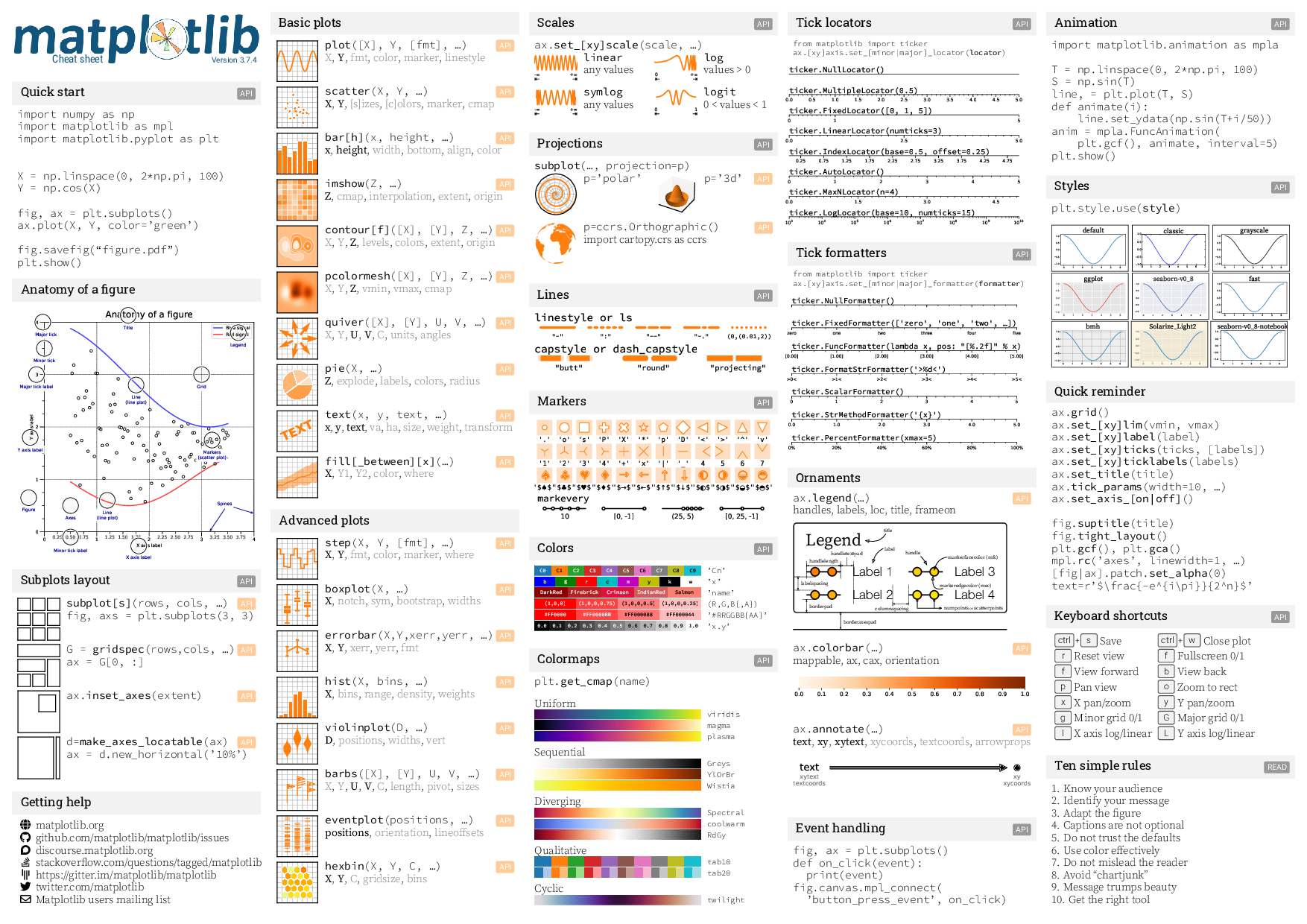
A very basic visualization can be made by using plt.plot(my_rating_counts).
|
When plotting, it’s important to ensure the data is easily readable and properly labeled. The individual axis points should be visible with space around them. Each plot should have a title, and both axes should be clearly named. |
Some Plotting Details
-
title= Title -
xlabel= Label along the x-axis -
ylabel= Label along the y-axis -
color= Color of plot -
linewidth= Thickness of line -
marker= Shape of data points
…and more.
Read more about customizing plots in matplotlib here.
1.1 How many rows and columns are there in this dataset?
1.2 Show the value counts of the rating column.
1.3 Plot the counts of each rating category. Include a title, axis labels, and at least one other customization in your plot (For now, you do not need to correct any typos that might be in the categories of rating column.)
Question 2 (2 points)
Take another look at the .value_counts() of the rating column. How many unique categories are there?
It is easy to see that there are 8 different film rating types. But what about when there are many more than 8 entries in a table? Let us try to see the same for another variable, directors:
myDF['directors'].value_counts()It is not always easy to view all levels at a glance using the .value_counts() function. In fact, printing all of them might even crash the kernel. Fortunately, there is a simpler and safer alternative: checking the length of the level vectors instead of listing them.
Use the len() function here to get the count of the different rating types.
len(myDF['rating'].value_counts())Use the len() function on the value counts of the directors and studio_name columns as well.
This is good, but we may also want to see which item from the table is the most/least populated. With the value counts of these columns, try sorting the results using ascending=True, and looking at the .head() and .tail() of the output.
2.1 Counts of the items in each group from the rating, directors, and studio_name columns.
2.2 Which person has directed the most projects?
2.3 Which studio has produced the most films?
Question 3 (2 points)
The movies and tv shows in this dataset each are listed with an entry in the genre column. How would we go about finding the total number of entries in this dataset for a specific genre? To start, find all of the entries that are exactly 'Comedy':
myDF[myDF['genre'] == "Comedy"].head()|
There are many different formats for how the movies are categorized in the dataset: |
We use the '==' operator to find the entries that are exactly listed as "Comedy". You could look at the actual data resulting from this filtering to check that the values are indeed just "Comedy" films. Use .shape to find how many rows are of the "Comedy" genre.
But what about when the genre is not just listed as a singular category? The sum we just found is only a part of the movies in this dataset that have the "Comedy" genre. It is important that we know how to find the entire count rather than just where it is an exclusive listing.
How many rows have "Comedy" in the genre name ("Comedy" may or may not be the exact genre name)?
You can use .str.contains() to find rows that contain the word you are searching for in a column.
You can use .sum() to help get the count of the rows in the dataframe.
Find the movies that have "Comedy" in the genre name but are not exactly "Comedy". Note: Use == to test whether two things are equal. Use != to test whether two things are not equal.
There are 5385 total film entries that have at least "Comedy" listed in their genre.
3.1 The number of rows corresponding exactly to the genre "Comedy".
3.2 The names of the first 5 films that have "Comedy" included.
3.3 The names of the first 5 films that have "Romance" included.
Question 4 (2 points)
Lets go back to the value counts of the rating column. This output shows us how many times each of the rating types corresponds to a row of the dataset. The series from the rating column shows us how many times each of the rating types corresponds to a row of the dataset.
R         6136
NR        4862
PG-13     2885
PG        2062
G          652
NC17        37
PG-13)       3
R)           1
This is not the most lovely output. Why? Look at the contents. There is 'G', 'NC17', 'NR', 'PG', 'PG-13', 'PG-13)', 'R', and 'R)'. The value counts of 'PG-13)' and 'R)' are not high because these are clearly not meant to be their own rating type. But this is just a case of where humans have been humans and have made a typo. This happens a lot in real-world data. We will later learn how to clean datasets by merging values like this with their true values, but in this project, run myDF.loc[myDF['rating'] == 'R)', 'rating'] = 'R' and myDF.loc[myDF['rating'] == 'PG-13)', 'rating'] = 'PG-13' to clean up these values. Essentially, we are correcting typos by replacing them with the accurate versions.
Take a look at the value counts of the tomatometer_status column. There are just three categories here. What could we possibly find from this? It may be a good idea to see the categories of two variables on one single table by using the .crosstab() function from Pandas. This table should contain BOTH the (cleaned) rating column and the tomatometer_status column. Save this table as the variable 'table_data' and show the table.
|
Read about using |
4.1 Clean the rating column so there are 6 rating categories.
4.2 What tomatometer status was given to the most films?
4.3 Compute a cross tabulation of the rating and tomatometer_status columns.
Question 5 (2 points)
We will continue to work with these two columns (rating and tomatometer_status). In Question 4, we showed the table comparing these two columns. Now we will put them together to create a new column joined_reviews. This allows us to see the numerical values for the rating and tomatometer status pairings.
myDF['joined_reviews'] = myDF['rating'] + " " + myDF['tomatometer_status']Display the counts for each of the new categories in joined_reviews.
|
If either of these columns had many unique values, it would be extremely important to use the |
Create a subset of myDF containing only the data where the rating column shows 'PG' and the tomatometer_status is 'Certified Fresh':
subset_df = myDF[(myDF["rating"] == "PG") & (myDF["tomatometer_status"] == "Certified Fresh")]Now that we know a bit about subsetting, let’s do one last thing. Subset the original myDF data again twice to find where the movie_title entry is listed as each of your two favorite movies.
5.1 What rating-and-tomatometer_status pairing has the most counts in the joined_reviews column?
5.2 Display the head of the subsetted data with rating and tomatometer_status filters.
5.3 Display the rows where the movie_title is a movie of your choice for two entries.
Submitting your Work
Once you have completed the questions, save your Jupyter notebook. You can then download the notebook and submit it to Gradescope.
-
firstname_lastname_project2.ipynb
|
It is necessary to document your work, with comments about each solution. All of your work needs to be your own work, with citations to any source that you used. Please make sure that your work is your own work, and that any outside sources (people, internet pages, generative AI, etc.) are cited properly in the project template. You must double check your Please take the time to double check your work. See submission page for instructions on how to double check this. You will not receive full credit if your |